
Nullam dignissim, ante scelerisque the is euismod fermentum odio sem semper the is erat, a feugiat leo urna eget eros. Duis Aenean a imperdiet risus.

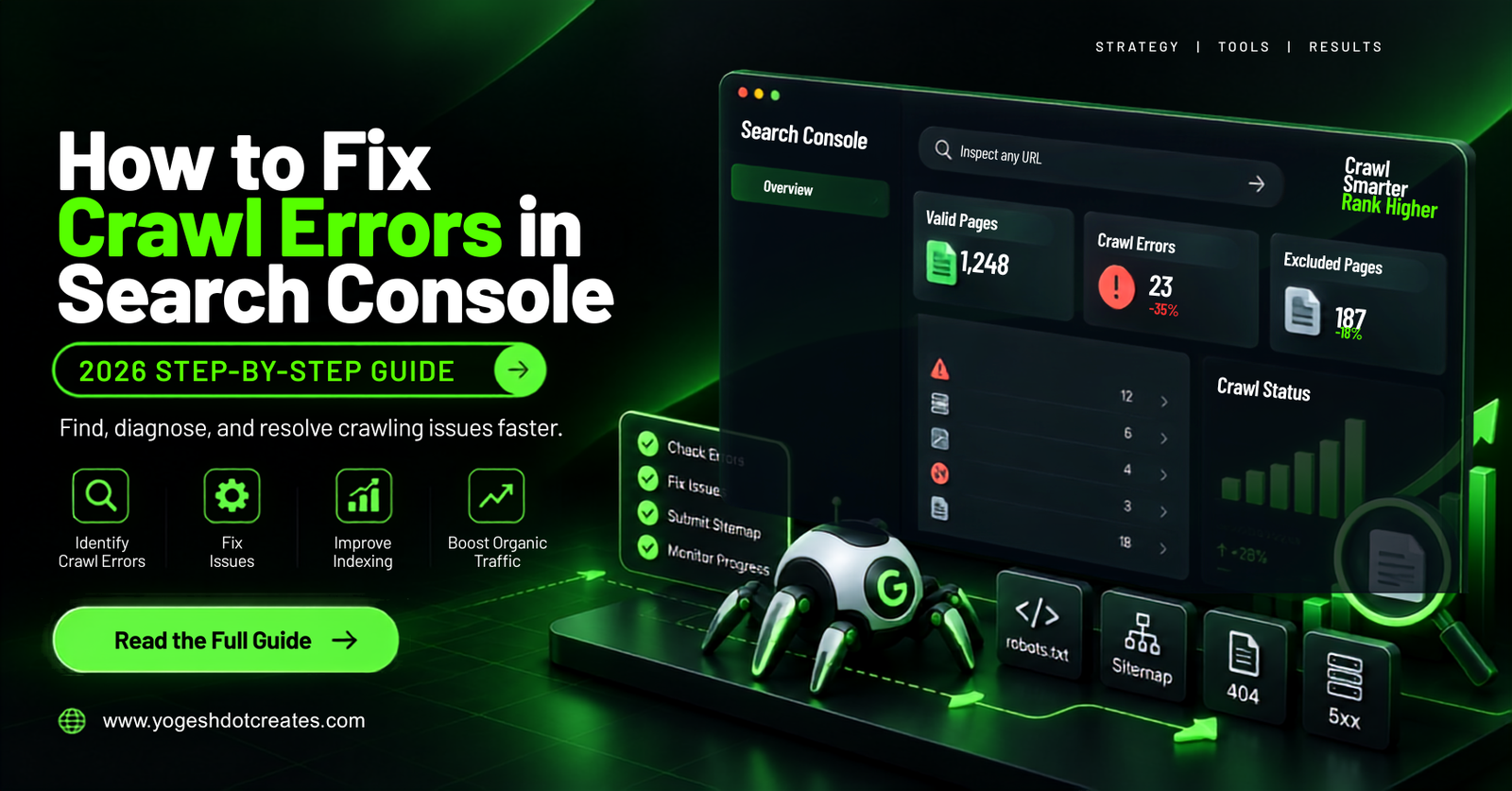
How to Fix Crawl Errors in Search Console (2026 Step-by-Step)
Discovering that Google has stopped indexing your key pages can stall your website traffic. When Google bot encounters technical roadblocks, it flags them inside your dashboard. Learning how to fix crawl errors search console reports show is vital to protecting your site rankings, maintaining your technical health score, and ensuring fast AdSense content indexing. This step-by-step guide breaks down crawl diagnostics, common HTTP status code errors, and practical workflows to keep your URL coverage clean.
Understanding GSC Crawl Diagnostics
Before executing fixes, you need to understand how search engine bots process your site infrastructure. Google bot follows a sequential loop: crawling, rendering, indexing, and serving search results.
Plain-text
[Google bot Crawl Request] ➔ [Server Response Code] ➔ [DOM Rendering] ➔ [GSC Coverage Status]
Crawl Errors vs. Indexing Exclusions
Not every excluded URL is broken. You must separate intentional exclusions from critical technical errors:
- Crawl Errors: Severe technical failures (e.g., 5xx server drops, 404 dead ends, or DNS failures) that prevent Google bot from fetching page content.
- Indexation Exclusions: Strategic directives (e.g.,
noindextags, canonical redirection, orrobots.txtdisallows) designed to keep low-value pages out of Google Search.
For official technical specifications on Google’s crawling infrastructure, review the Google Search Central Documentation. You can also reference fundamental HTTP protocol behaviors on MDN Web Docs or read about search index architectures on Wikipedia’s SEO Guide.
Step-by-Step Guide to Fix Crawl Errors in Search Console
Fixing technical errors systematically keeps your crawl budget focused on high-priority pages. Follow this practical workflow to diagnose and resolve issues efficiently.
Plain-text
[GSC Indexing Report] ➔ [URL Inspection Tool] ➔ [Root Cause Fix] ➔ [Validate Fix Request]
Step 1: Analyze the GSC Page Indexing Report
- Log into your Google Search Console dashboard.
- Navigate to Indexing on the left menu and select Pages.
- Scroll down to the Why pages aren’t indexed section to view categorized errors.
Step 2: Inspect Specific URLs with Diagnostic Tools
Click on any error category (such as Not Found (404) or Server Error (5xx)) to expand the affected URL list. Select an affected link and run the URL Inspection tool. Click Test Live URL to verify if the server error persists in real time.
Plain-text
[Select Affected URL] ➔ [Click Inspect URL] ➔ [Run Live Test] ➔ [View Fetch Logs]
[Insert Screenshot: Google Search Console URL Inspection Live Test Interface for yogeshdotcreates.com]
Step 3: Resolve Common HTTP Status Errors
- Fixing 5xx Server Errors: Check server log files for timeout spikes or PHP memory limits. Enable edge caching via Cloudflare or upgrade hosting resources if your origin server drops connections during traffic spikes.
- Fixing Soft 404 Errors: A soft 404 occurs when a non-existent page returns a 200 OK status code instead of a true 404 or 410 header. Ensure custom error pages explicitly return a
404 Not Foundresponse code. - Fixing 404 Not Found Errors: Set up server-side
301 Permanent Redirectsto map deleted URLs to relevant replacement content. Avoid redirecting all broken links to your homepage, as Google may treat those bulk redirects as soft 404s.
Plain-text
# Example .htaccess 301 Redirect for WordPress / Apache
Redirect 301 /old-broken-page/ https://yogeshdotcreates.com/new-working-page/
To run detailed site audits and catch hidden broken links before Google bot does, cross-reference your coverage logs using third-party crawler platforms like Ahrefs or Semrush.
Step 4: Validate Fixes in Google Search Console
After deploying technical patches on your server, return to the specific error report inside Search Console. Click the Validate Fix button. Google bot will place the URLs into a recrawl queue to verify that your site returns proper HTTP headers.
Crawl Error Types & Remediation Matrix
This table summarizes common crawl errors reported in Search Console alongside their root causes and standard solutions.
Real-World Case Study: Resolving a 5xx Server Error Spike
During a site update on an e-commerce platform, a custom plugin generated database locks whenever search crawlers hit paginated archive pages.
Plain-text
[Search Crawler Request] ➔ [Unindexed Archive Query] ➔ [Database Lock] ➔ [GSC 500 Error Spike]
The Problem
Within 72 hours, Search Console reported over 1,400 Server Error (5xx) exclusions. Crawl stats dropped significantly, and top-performing blog posts lost page-one rankings due to server instability.
The Solution Executed by Yogesh
- Log Analysis: Inspected server error logs to confirm PHP script execution timeouts exceeding 30 seconds.
- Database Cleanup: Indexed database queries, removed legacy transients, and implemented Object Caching (Redis).
- Robots Optimization: Disallowed useless parameterized sorting URLs in
robots.txtto preserve crawl budget. - Validation Submission: Executed Validate Fix inside Search Console.
Plain-text
# Robots.txt rule to stop crawlers from hitting parameterized archive loops
User-agent: Google bot
Disallow: /*?sort=
Disallow: /*?filter=
The Result
Google bot recrawled the affected paths within 10 days. The 5xx errors dropped to zero, organic crawl rates recovered, and main keyword positions fully restored within two weeks.
Common Pitfalls & How to Avoid Them
- Redirecting All 404s to the Homepage: Mass-redirecting broken links to your homepage creates soft 404 warnings and confuses search engine signals. Always redirect to topically relevant alternative pages.
- Blocking URLs Marked with Noindex via Robots.txt: If you block a URL in
robots.txt, Google bot cannot read thenoindextag on the page. Leave the page crawlable so search engines process your index directives. - Ignoring Redirect Loops: Short redirect chains might resolve in desktop browsers, but crawlers abort requests after multiple hops. Point redirects directly to the final live destination URL.
- Forgetting Mobile Crawl Errors: Google uses mobile-first indexing. Always test site performance and fetch failures using mobile user-agent profiles.
Schema-Friendly FAQs
Why do crawl errors appear in Search Console even after I fix them?
Search Console data is not real-time. It takes time for Google bot to recrawl your site and verify that server responses have updated. Once you click Validate Fix, processing usually takes anywhere from a few days to two weeks.
Does having 404 errors harm my site’s search rankings?
Standard 404 errors on deleted pages do not directly penalize your entire site. However, if high-value backlinks point to broken URLs or if broken internal links hurt user experience, your organic search traffic can drop over time.
How can I reduce server errors during heavy Google bot crawling?
Implement server-side caching, upgrade your hosting resources, use a Content Delivery Network (CDN) like Cloudflare, and ensure database queries are optimized. This keeps your server stable when Google bot scales up request rates.
What is the difference between a Hard 404 and a Soft 404?
A hard 404 returns an explicit 404 Not Found server response header. A soft 404 occurs when a page displays error content (or lacks meaningful copy) while incorrectly returning a 200 OK success status code.
Keeping Your Indexing Healthy
Resolving crawl errors is an ongoing technical requirement for every growing site. Monitoring your indexing logs weekly helps you catch server timeouts, broken links, and directive conflicts before they impact your organic rankings.
Once you clear server failures and clean up broken redirects, run regular audit checks to maintain clean indexing across all published articles.
For more technical SEO frameworks, site performance optimization guides, and step-by-step scaling strategies, explore our latest tutorials on yogeshdotcreates.com.